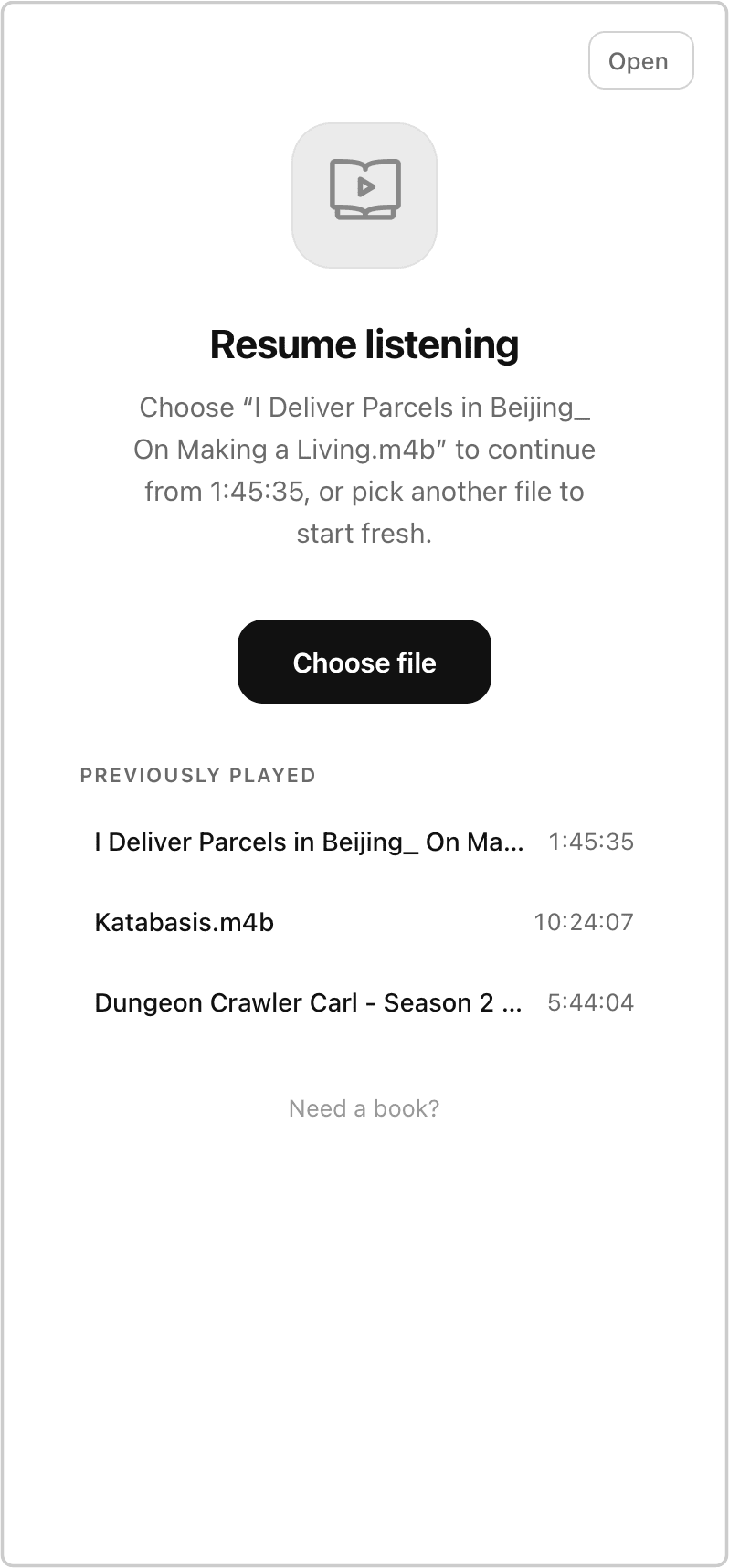
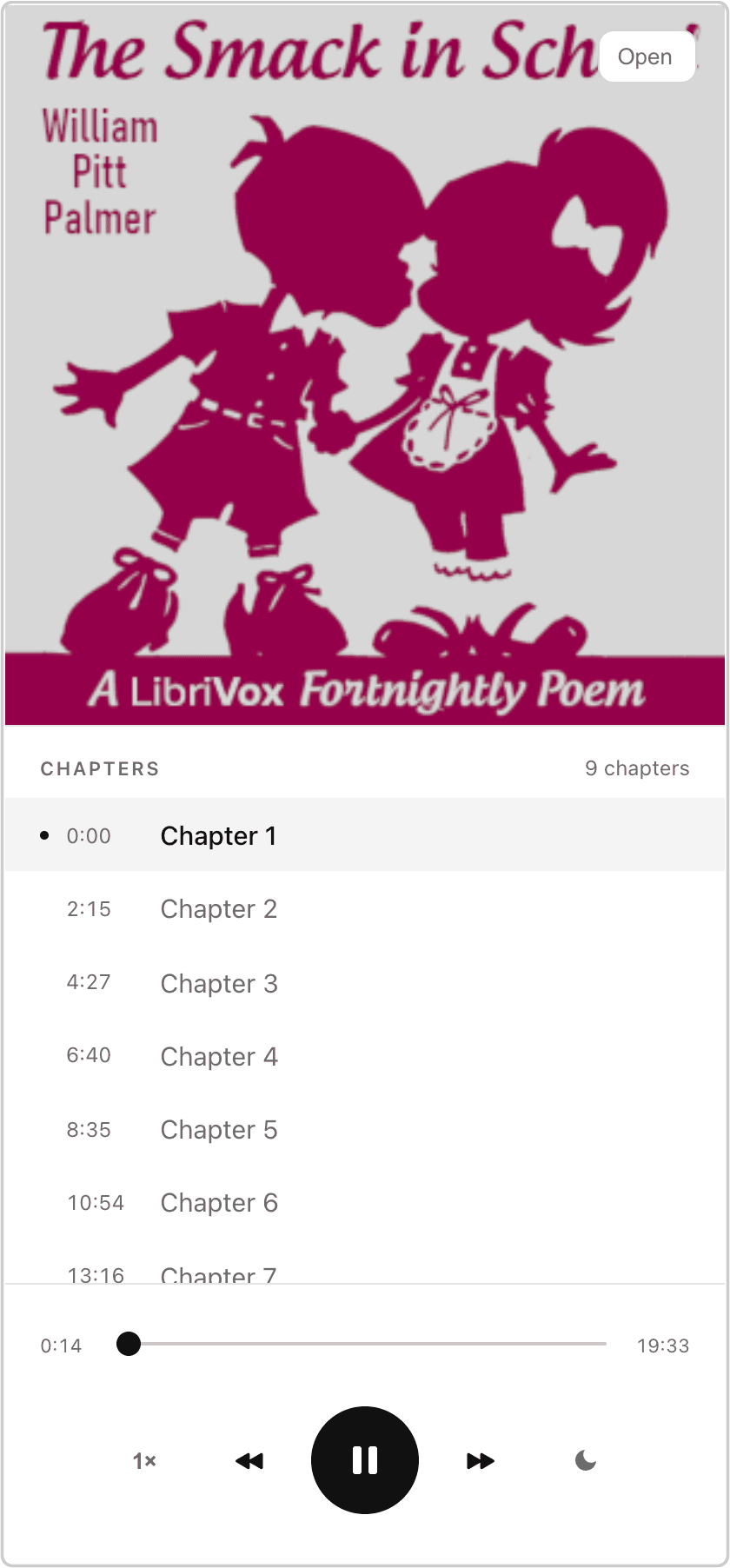
I built Audiobook Player to play local and iCloud audiobooks offline1 without any syncing2 or importing3. The HTML, CSS, and JS are all in that single file, and can be hosted anywhere. Try it with this small audiobook "The Smack in School".
Browsers have good support for playing audio, so the idea was to build a player out of HTML/CSS and load local audiobooks into it:
<!-- choose a local audiobook file -->
<input type="file" />

<!-- set the src to the contents of the audiobook -->
<audio id="player"></audio>
To remember playback position, I store them in the url document fragment. It's a janky workaround because iOS Safari doesn't persist access grants to files4, so if I navigate away from the page, I can select the audiobook again and skip to where I left off. A nice side effect is it also works with Safari Handoff to share the URL between devices.
Getting playback and position working was straightforward. The first challenge was getting metadata details from an m4b. I started with mp4box.js which gave me good results for general audio metadata like title, artist, cover art, but there are audiobook specific tags including chpl/tref/chap for chapter information. I ran parallel experiments with manual parsing the file bytes and mp4box across a handful of audiobooks. Sometimes that metadata is the beginning bytes of a file, and sometimes the end. Sometimes there would be number chapters, but the actual chapter names would be in a different part of the document within JSON. I'm wary of this code and additional edge cases, so I have it fail gracefully when parsing fails or metadata isn't available. If chapter information is available, it's easy to set the player to scrub to that position. The player also emits change events which are used to persist playback position.
I started with:
From there, I spent most of my time removing elements and copy. I chose familiar icons and set defaults I prefer for rewind, playback speed, and sleep timer. I didn't build any UI to change these, they're variables if you'd like to customize it.
For the blank state icon, I chose "audiobook" by Ahmad Roaayala from Noun Project https://thenounproject.com/browse/icons/term/audiobook/ (CC BY 3.0).
I wish the Nokia 8110 4g aka "Banana phone" from the matrix worked in the US, but I decided to make this look nice on 240x320 viewports too. If you have a feature phone or a KaiOS device, I'd love to hear if this player works5.
I'm working through the animations.dev course. Nothing fancy here, but added a transform 97% and ease-out on the buttons. I can imagine some animations around the cover art or shrinking the player controls, but I think those may feel excessive, especially on smaller screens.
The MediaSession API makes it easy to preview what's playing from the lock screen.
I thought about creating a static site generator that would create the player html page based on the audiobooks in a directory. But decided against it because I already had my books in iCloud and didn't want to use the network needlessly.
I considered using Origin Private File System OPFS because it didn't need user permissions, but this basically imports it into browser storage. Since there's no guarantee around storage size, I abandoned this too. It might be feasible for desktop, but my iPhone 17e with 100GB of free space only showed 3GB of available web storage. Some of my audiobooks are over a GB.
This doesn't work on a folder of MP3's, I only tested on M4B's.
It'd be interesting to wrap this within a native shell for file system access. I didn't try oauth to Google Drive, but there's potential to connect to other cloud storage as well. It's all more than I need though.
https://www.audiobookshelf.org is a neat project and had a polished PWA. But I only occasionally get shared audiobooks and didn't want to self-host something this full featured. ↩
I like Apple Books, but it doesn't Handoff or sync timestamps properly ↩
I like Book Player, but sometimes importing fails or act wonky. Plus, this was a fun excuse to learn about m4b's, HTTP range, OPFS, KaiOS, ... ↩
showOpenFilePicker and directory picker is available on Chrome Android 132 (2025-01-14), and file handles can be serialized to IndexDB. I think this makes it possible to prompt a user once for access to folder of audiobooks, and then keeping access across page reloads. ↩
Fell into a rabbit hole last night reading about KaiOS and old gecko. ↩